
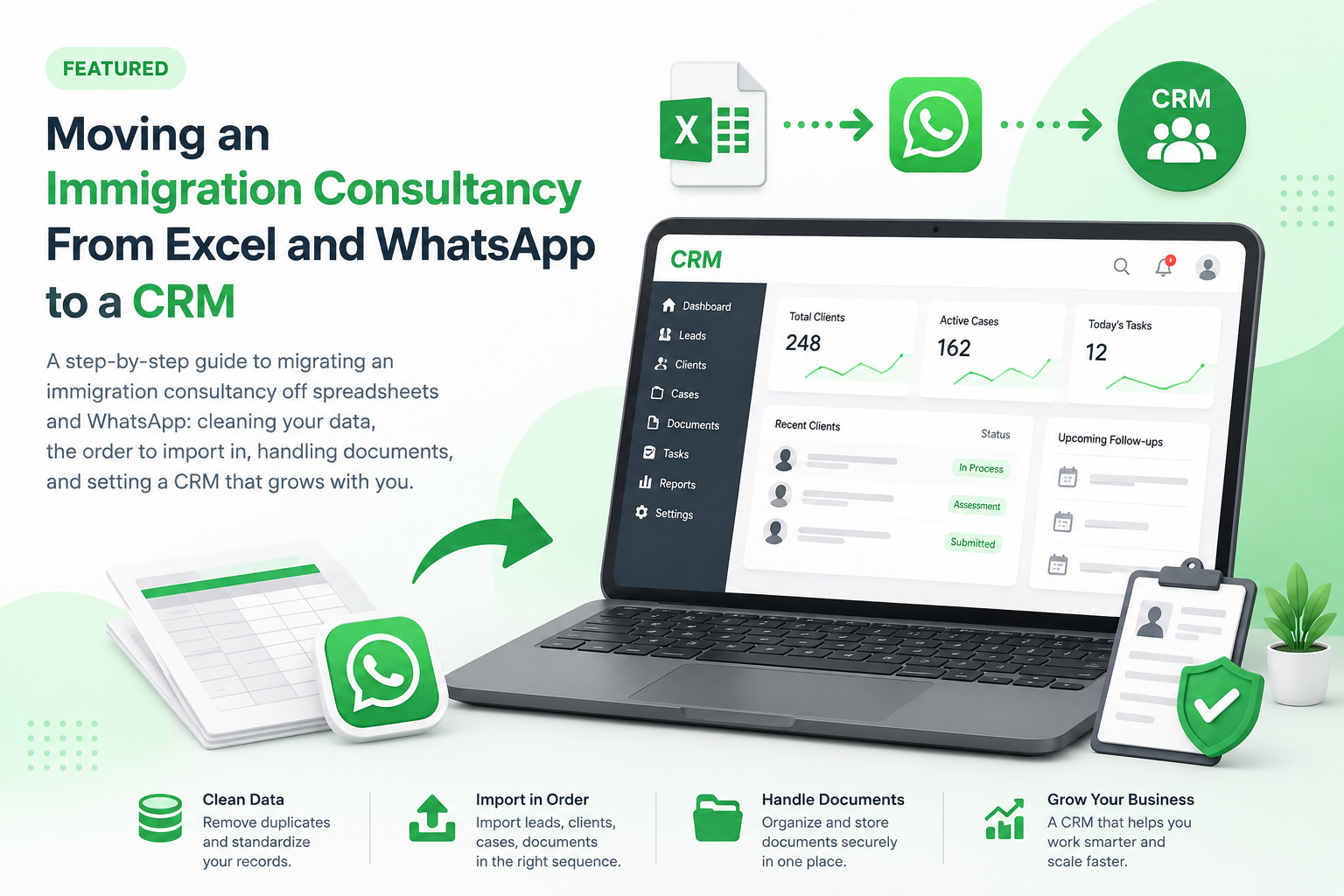
Most immigration consultancies do not start with a CRM. They start with a spreadsheet, a shared inbox and a WhatsApp group — and for the first year or two, that genuinely works. The problem is not that spreadsheets are bad. The problem is that they stop scaling at a very specific point, and by the time you feel it, you are already losing enquiries you paid for.
This guide covers the actual mechanics of moving off Excel: when to switch, how to prepare your data, what order to migrate in, and what usually goes wrong. If you are still deciding which platform to move to, start with our guide to the best immigration CRM for consultants and come back here once you have shortlisted.
The point where spreadsheets stop working
There is no client count that triggers this. What triggers it is the day nobody can answer a simple question with confidence.
- A client calls asking about their file, and three staff members give three different answers.
- Someone asks how many enquiries came in last month from Facebook, and the honest answer is a guess.
- A counsellor leaves, and their follow-ups leave with them — the notes were in their personal WhatsApp chats.
- Two people call the same lead on the same day, because the sheet was open on both machines and one copy overwrote the other.
- An enquiry sits untouched for a week and nobody notices until the client signs with a competitor.
That last one is the expensive failure. A spreadsheet is a record of what happened. It cannot tell you what is about to go wrong, because nothing in a spreadsheet chases you. A proper enquiry follow-up system flags an overdue task whether or not anyone remembers to look.
Before you migrate: clean the data first
This is the step consultancies skip, and it is the one that decides whether the move succeeds. Importing a messy sheet into a CRM does not fix the mess — it gives the mess a nicer interface and makes it harder to spot.
Set aside a day for this, before you touch any software:
- Deduplicate by phone number, not by name. Names are spelled inconsistently across scripts and staff; phone numbers are close to unique. Sort by number and merge the duplicates by hand.
- Standardise phone formats. Pick one convention with the country code included and convert everything to it. Mixed formats break automated messaging on day one.
- Fix the date columns. Spreadsheets are notorious for storing dates as text, and for silently swapping day and month depending on locale. Check a sample of ten rows against what you know actually happened.
- Decide what an enquiry status actually means. If your sheet has "Following up", "Follow up", "In progress" and "Pending" as separate values, you have one status wearing four costumes. Collapse them into a short list everyone agrees on.
- Archive the dead rows. Enquiries from three years ago that never responded do not need to come across. Export them to a file, store it, and leave them out of the import.
Expect to lose fifteen to thirty percent of your row count in this step. That is not data loss — it is the duplicates and the noise finally becoming visible.
Migrate in this order
Do not import everything at once. Move one layer at a time and confirm each before the next, so that if something is wrong you know exactly which import caused it.
- Staff accounts and roles first. Create your users and decide who can see what before any client data exists. Retrofitting permissions after the fact is far harder than setting them up on an empty system.
- Your status list and services. Visa categories, service types, enquiry sources, case stages. This is your vocabulary — the imported records need somewhere to land.
- Active clients and open cases. The files you are working on right now. This is the smallest and most important set, so import it first and check every record by hand.
- Open enquiries. Anything still in the pipeline that has not converted.
- Historical closed cases, last. Optional. Useful for reporting, but nothing breaks if it arrives a month later.
Between steps three and four, stop and verify. Pull up five random clients in the CRM and compare them field by field against the spreadsheet. If four of five are right, you are not ready — find out why the fifth failed before importing anything else.
Documents are the hard part
Contact data is easy. Documents are where migrations get messy, because they usually live in three places at once: a folder on someone's desktop, an email thread, and a WhatsApp download folder on a phone.
Be realistic here. You are probably not going to retroactively organise ten years of passport scans, and you should not try. A workable approach:
- Migrate documents only for active cases. Everything closed stays in your existing folder structure, archived and untouched.
- From the go-live date, every new document is uploaded to the CRM by the person who receives it — no exceptions, or you will simply run two systems forever.
- Give clients a client portal so they upload directly instead of sending files over WhatsApp. This is the single change that stops document sprawl at its source.
The WhatsApp habit is the hardest to break, because clients like it and staff find it easy. Expect this transition to take a couple of months rather than a weekend.
Run both systems for two weeks — then stop
A short overlap is sensible. An indefinite one is fatal.
Keep the spreadsheet open in read-only mode for two weeks so staff can check anything that looks wrong. Set a firm date after which it is archived and nobody updates it. If you do not set that date, you will end up maintaining both systems permanently, your data will diverge, and everyone will quietly conclude the CRM was a waste of money.
Announce the cutoff date before the migration starts, not after. It changes how seriously people treat the transition.
What it costs, honestly
The subscription is the smaller cost. The real cost is the week of disruption — reduced output while staff learn a new system, plus the day of data cleaning, plus the hours spent verifying imports. Budget for that and the move goes smoothly. Pretend it is free and staff will fall back to the spreadsheet the first time they are busy.
Our own immigration CRM pricing is published openly, including the per-user cost beyond your included seats, so you can work out the actual monthly figure before committing. If you work with recruitment partners or sub-agents, the B2B partner portal is worth understanding before you choose a plan — partner case submissions are much harder to bolt on afterwards.
A short readiness checklist
- One person owns the migration and has authority to make decisions about the data.
- The spreadsheet has been deduplicated and the status values agreed.
- Staff roles and permissions are mapped before import.
- A cutoff date is set and communicated to everyone.
- Documents for active cases only, with a portal in place for new uploads.
- A verified backup of the original spreadsheet, stored somewhere outside the office.
That last point is not optional. Keep an untouched copy of the original file, exactly as it was on migration day. You will almost certainly never need it, and you will be glad it exists the one time you do.
If you want to see how this looks in practice, the InfraBit Immigration CRM handles enquiries, cases, documents and follow-ups in one place, with a demo you can walk through before moving any data.
Frequently asked questions
How long does it take to move an immigration consultancy from Excel to a CRM?
For a small office with a few hundred active files, plan on one day of data cleaning, one day of importing and verifying, and about two weeks of running the spreadsheet alongside the CRM in read-only mode. The software setup is not the slow part — cleaning duplicate and inconsistent rows is, and skipping it is what makes migrations fail.
Will I lose client data when switching from spreadsheets?
Not if you keep an untouched copy of the original file exactly as it stood on migration day, stored outside the office. Import in stages rather than all at once — staff and roles, then your status list, then active clients and cases, then open enquiries — and verify a random sample of records by hand after each stage. If more than one record in five is wrong, stop and find the cause before importing anything further.
Do I need to migrate old closed cases and historical documents?
No, and trying to is the most common way a migration stalls. Move documents for active cases only and leave closed files in your existing folder structure, archived and untouched. Historical closed records can be imported later for reporting purposes, or never — nothing operational depends on them.
What is the most common mistake when moving to an immigration CRM?
Running both systems indefinitely. A short overlap is sensible, but without a firm cutoff date announced before the migration starts, staff fall back to the spreadsheet whenever they are busy, the two sets of data diverge, and the office quietly concludes the CRM was a waste of money.
Can staff keep using WhatsApp with clients after moving to a CRM?
For conversation, yes — clients like it and forcing them off it rarely works. For documents, no: files sent over WhatsApp end up on individual phones where nobody else can find them. Give clients a portal to upload into instead, and expect that habit to take a couple of months to change rather than a weekend.