
A study abroad consultancy is really three businesses under one roof. There is the counselling and admissions desk, which turns an enquiry into a shortlist and an offer letter. There is the visa desk, which turns that offer into a filed application and a decision. And very often there is a coaching room down the corridor, running IELTS or PTE batches for the same students. Each of the three usually keeps its own register, and the student, and the parents who are paying, fall into the gaps between them.
This article is about closing those gaps: what a CRM for study abroad consultants actually has to track, where spreadsheets break, and how InfraBit Immigration CRM handles a student file from the first enquiry to the day the student flies.
Why a student file is harder than it looks
A visitor visa file is mostly linear: collect documents, file, wait. A student file branches. One enquiry can turn into an English test, a shortlist of courses, an application, an offer, a tuition deposit, a visa application and a pre-departure briefing, spread over six months or more.
It also involves more people than most files:
- The student, who gives you the documents
- The parents, who pay the fees and phone the office for updates
- The counsellor, who owns the admissions side
- The visa filer, who may be a different person, or a different office
- A sub-agent, if the student came in through a partner in another town
Every hand-over between those people is a place where information gets lost. When it does, the parent's phone call is how you usually find out.
Every country runs a different sequence
The steps between "offer received" and "visa filed" are where student files most often stall, and they are different for every destination. Each country has its own acceptance document, and its own set of fees, forms and appointments that have to happen in the right order.
| Destination | Acceptance document | Steps that follow it in InfraBit's study workflow |
|---|---|---|
| Canada | Letter of acceptance (LOA) from a designated learning institution | Tuition paid, GIC applied and received, SOP, file prepared, visa filed, biometrics, medical, passport submission |
| United Kingdom | Confirmation of Acceptance for Studies (CAS) | Tuition paid, CAS received, SOP, file prepared, visa filed, biometrics |
| Australia | Confirmation of Enrolment (CoE) | Tuition paid, CoE received, SOP, police clearance, medical, visa filed |
| United States | Form I-20 | Tuition paid, SEVIS fee, DS-160, visa interview scheduled and attended, visa stamped |
| Germany | Admission letter from the university | Documents, visa filed, visa interview scheduled and attended |
| New Zealand | Offer of place from the education provider | Tuition paid, police clearance, medical, visa filed |
A generic CRM gives you one "status" field and leaves the sequence in your counsellors' heads. That works until the counsellor who knows that a US file needs the SEVIS fee paid before the interview is on leave in the busiest week of the intake.
What to record for every student
Whatever software you use, these are the fields that stop a student file from depending on one person's memory:
- Source and date of the first enquiry, so you know which marketing actually produces students
- Owner: the one counsellor responsible right now
- Intended course, intake, year and preferred location, for example "Master's, January 2027, London"
- Academic history: 10th and 12th marks, stream, graduation percentage and backlogs, because that decides which institutions are realistic
- Test scores with band breakdowns and expiry dates, whether IELTS, PTE, TOEFL, Duolingo or GRE
- Previous visa refusals, with country, year and reason, recorded before you file, not discovered after
- Funding: sponsor, available funds and any education loan
- Next follow-up date. Every open enquiry has one, without exception
- Every fee instalment and the receipt issued, especially when parents pay in parts
If a new counsellor can pick up any file from this list and phone the student without asking anyone, the record is good enough.
The intake calendar is your sales calendar
Study abroad demand is seasonal in a way most immigration work is not. The main intakes are typically September and January in Canada (with a smaller May intake), September and January in the UK, February and July in Australia, Fall and Spring in the US, and the winter and summer semesters in Germany. Students who enquire too late for one intake become leads for the next one. That only works if someone follows up when the next cycle opens.
This is where a spreadsheet quietly loses money. An enquiry marked "too late for September" disappears into a filtered-out row. In a CRM it stays an open enquiry with a follow-up date, and it turns up on someone's list when applications for the next intake open.
Where spreadsheets and WhatsApp break
- Duplicates. The same student enquires on Instagram, then walks in, then a parent calls. Three rows, three counsellors, three different stories.
- Expiring documents. A test score or a passport that expires in the middle of the process is found out at filing time, when it is too late to fix cheaply.
- Fees. A tuition deposit, a service fee in two instalments and a coaching fee, tracked in a separate sheet from the case it belongs to.
- Passwords. College portal and visa account logins kept in a notebook or on a staff member's phone, one resignation away from being lost.
- Status questions. Parents call because they cannot see anything. Each call takes a counsellor away from work that moves files forward.
We cover the move itself in more detail in moving from Excel and WhatsApp to a CRM.
How InfraBit Immigration CRM handles a student file
InfraBit Immigration CRM was built for immigration consultants and education agencies, so student work is part of the core product rather than an add-on. Here is how it maps onto the file described above.
1. One enquiry record, with duplicates caught
Enquiries come in from walk-ins, calls, imports and your website (through an embeddable enquiry form and appointment booking widget), and on the Enterprise plan from Facebook and Google Ads. Each one carries the student's intended course, intake and year, academic history, test scores and any previous refusal, plus an owner, remarks and dated follow-ups. A duplicate scanner groups enquiries that share a phone number or email address so they can be reviewed and merged into one.
2. Coaching students and visa clients from the same enquiry
InfraBit keeps two kinds of record. A student is someone in your coaching: course, batch, attendance, exams, results and fees in up to six instalments with receipts. A client is someone you are filing for. One enquiry can be converted into either, or into both, so a student who takes your IELTS batch and then applies to study abroad is one person with one history.
3. Country-specific study workflows
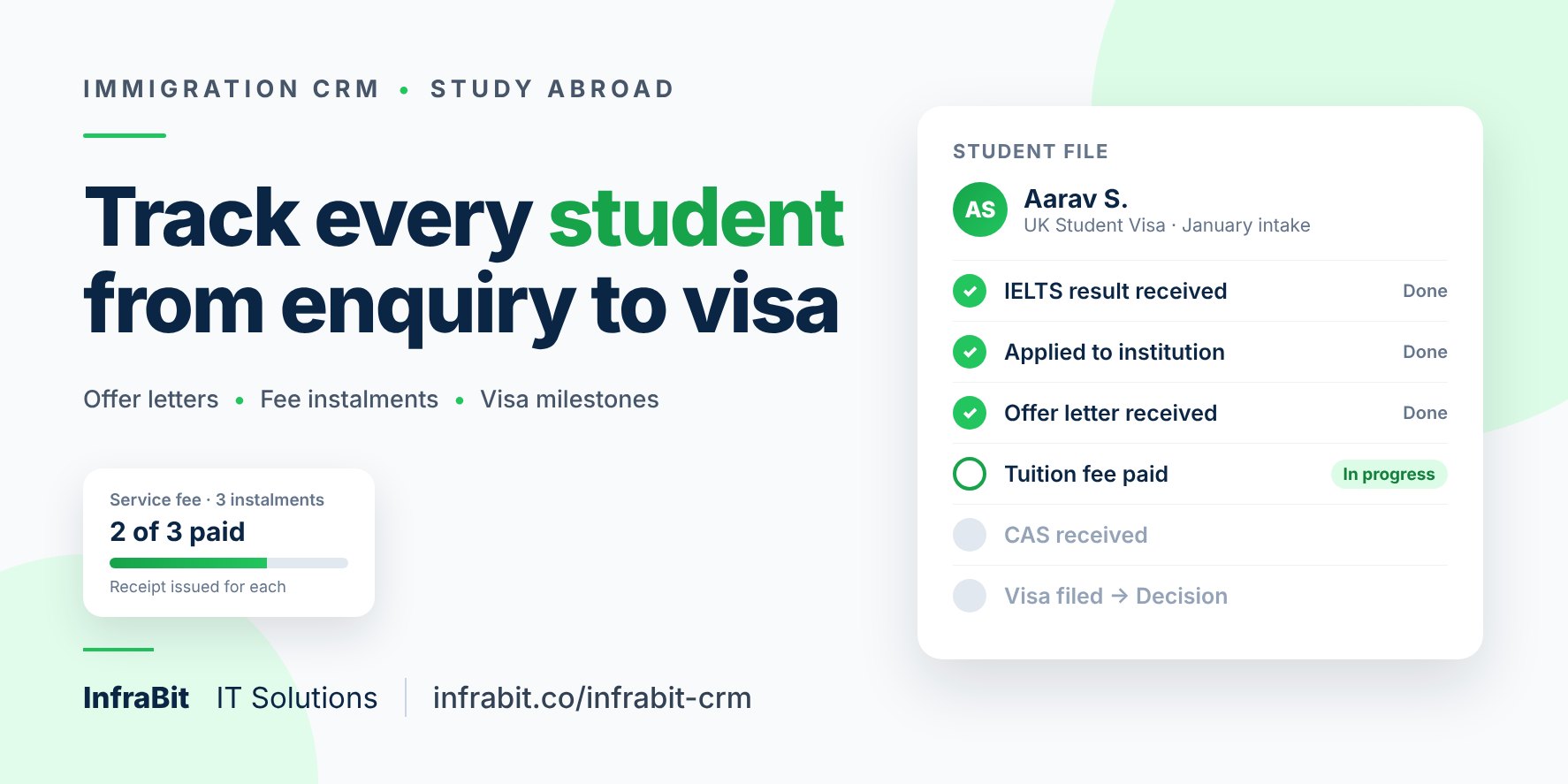
When a client is set up with a study visa, the case follows that country's sequence, from eligibility assessment and language test through shortlisting, application, offer letter, tuition payment and the country's own steps (GIC for Canada, CAS for the UK, CoE for Australia, SEVIS and DS-160 for the US) to visa filing, decision, pre-departure briefing and travel. Study workflows are included for Canada, the UK, the USA, Australia, Germany, New Zealand, Ireland, France and several other destinations. Payment stages record the amount paid, so you can see which fees on a file are settled.
4. Document checklists that match the visa
Each visa type comes with its own required-document checklist, tied to the stage where each document is needed. You can request a specific document from the client with a due date, track what has arrived, merge selected documents into a single file for submission, and have the final file reviewed in the CRM before anything is filed.
5. Expiry alerts before they become refusals
An expiry report lists clients whose passport, visa or language test score is about to expire, flagged at 90 days, 30 days and expired, and can notify the assigned counsellor. For students whose IELTS result is ageing while they wait for an offer, this is the report that matters.
6. Interview preparation for interview-led visas
For destinations where the visa depends on an interview, such as the US F-1, each client file has an interview preparation page holding the practice questions and suggested answers you have prepared for that student.
7. Retainers, invoices and payments on the file
Service agreements can be generated and e-signed online by the client. Invoices with tax are raised against the client, and every payment is recorded with its mode and receipt number, so the parent who paid in three parts can be shown exactly what has been received.
8. Portal logins kept on the client file
College portal, IRCC, GCKey and email logins are recorded in a credentials section on the client's own file inside the CRM, so they stay with the case instead of in a notebook or on someone's phone.
9. A portal for clients, and one for sub-agents
On the Enterprise plan, the client portal lets clients see their case status and upload requested documents themselves. That is the feature that cuts down the "any update?" calls. The B2B partner portal lets partner agencies submit cases, upload documents and message your team, while commissions are calculated by rule and issued as statements.
10. The next intake gets marketed to the last one's leads
From the Pro plan, email and SMS campaigns, with CSV contact imports and campaign analytics, let you contact last season's unconverted enquiries when the next intake opens.
Which plan suits a study abroad consultancy?
- Starter, ₹2,599/month or ₹27,999/year: up to 3 staff. Enquiries, appointments, tasks, immigration clients, the students dashboard and training management. Enough for a small office whose counsellors also file the visas.
- Pro, ₹4,499/month or ₹48,999/year: up to 6 staff. Adds the lead funnel, email and SMS campaigns and HRMS. For offices that spend on marketing and need to see what each campaign produces.
- Enterprise, ₹6,999/month or ₹74,999/year: up to 15 staff. Adds the client portal, B2B partner management, ad integration and website visitor tracking. For agencies with sub-agents, or with parents who call every week.
Extra staff users are ₹399 per user per month, and there is a 7-day free trial with no card required. The full breakdown is in our immigration CRM pricing guide.
Questions to ask any CRM vendor, including us
- Bring one real student file to the demo and ask the vendor to enter it live, from enquiry to visa stage.
- Ask to see the exact steps the system follows for your top destination. Does it know about the CAS, the GIC or the SEVIS fee, or is it one generic status?
- Ask where portal passwords are stored and which of your staff can see them.
- Ask how a fee paid in three instalments shows up, and whether a receipt is issued for each.
- Ask what happens to a student's file when the counsellor who owns it leaves.
- Ask how you get your data out if you ever stop using the product.
A vendor that answers these on screen, with your file, is worth more than any feature list.
Frequently asked questions
What is a CRM for study abroad consultants?
It is software that keeps every student enquiry, follow-up, fee, document and application stage in one record, so counselling, admissions and visa staff work from the same file. Unlike a general sales CRM, it needs student-specific pieces such as intakes, test scores, offer letters and country-specific visa steps.
Can one CRM handle IELTS coaching students and visa clients?
Yes. In InfraBit Immigration CRM one enquiry can be converted into a coaching student, a visa client, or both. Coaching students have courses, batches, attendance, exams and fee instalments; visa clients follow a country-specific case workflow from eligibility to travel.
Does InfraBit track country-specific steps like the CAS, GIC or SEVIS fee?
Yes. Study visa cases follow a workflow for the destination country, including the CAS for the UK, GIC for Canada, CoE for Australia, and the SEVIS fee, DS-160 and visa interview for the US, alongside the common stages such as offer letter, tuition payment, visa filing and decision.
Can parents check their child's application status themselves?
With a client portal, yes. On InfraBit's Enterprise plan, clients can see their case status and upload requested documents through the portal, which cuts down routine status calls to your office.
Is there a free trial?
Yes. InfraBit Immigration CRM has a 7-day free trial with no credit card required, for up to 3 staff users, covering enquiry management, appointments, tasks, basic immigration clients and the students dashboard.
Where to go next
- Enquiry and follow-up management: the enquiry-first workflow in detail
- Immigration case management software: how case milestones work
- Connecting your website to your CRM: capturing the enquiry at the first click
- IELTS LMS: if your coaching room needs its own online platform
Or book a demo of InfraBit Immigration CRM and bring one live student file with you. Watching it go in is the quickest way to tell whether the system fits how your office works.