
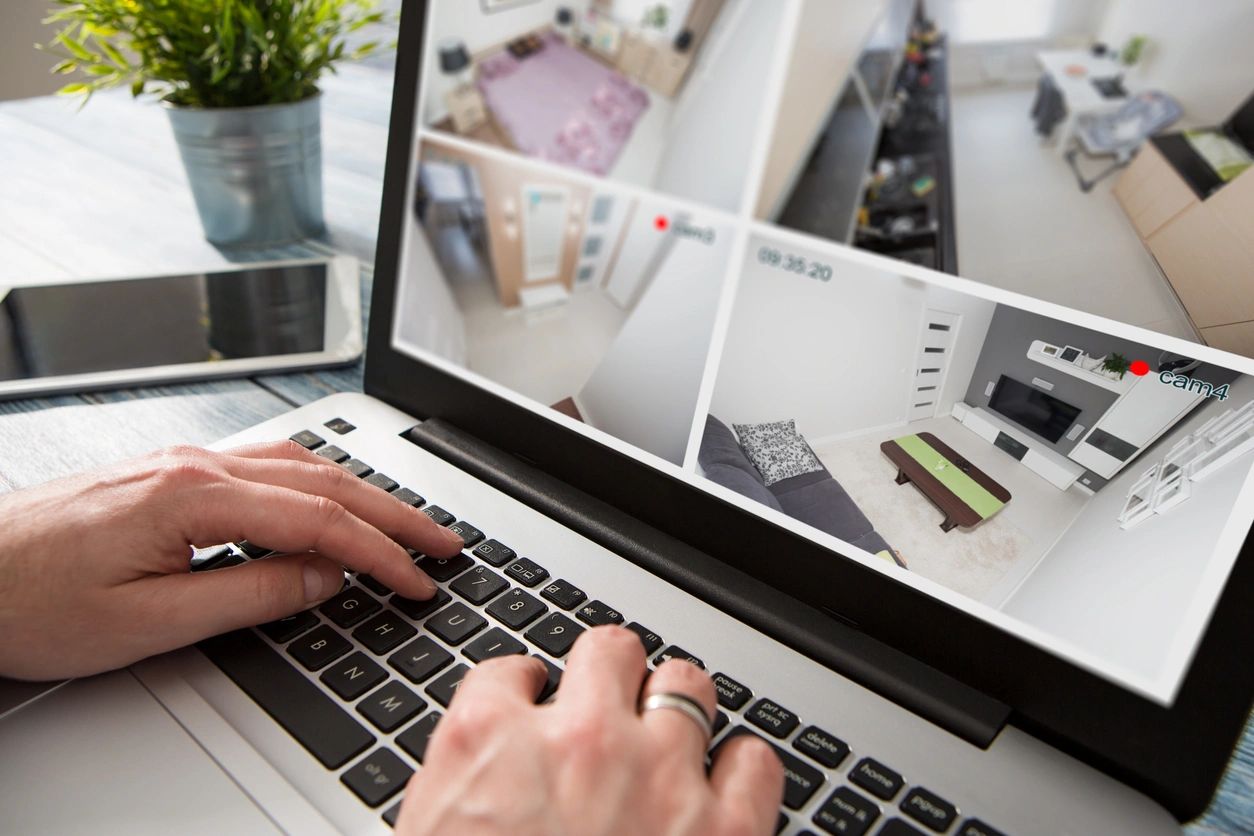
With cybercrime rising in 2025, tracking and monitoring tools have become easier for hackers to install on phones and computers. Most users don’t notice anything unusual — until their privacy is already compromised.
Here are the 7 most common real-world signs your device may be monitored:
1. Battery Drains Faster Than Usual
Spyware apps constantly run in the background, causing rapid battery drain.
Fix: Check battery usage → uninstall unknown apps.
2. Device Overheats Even When Idle
Unwanted background processes use your processor heavily.
Fix: Restart → update → scan for malware.
3. New Apps You Never Installed
Spy tools often hide as “system apps.”
Fix: Remove unknown apps → review permissions → enable 2FA.
4. Unusual Data Consumption
Monitoring software sends your data to a remote server.
Fix: Review data usage → block background data.
5. Screen Flickers, Freezes, Or Opens Random Windows
This can indicate remote access.
Fix: Turn off Wi-Fi → run antivirus → remove extensions.
6. You Get Logged Out of Accounts
If someone logs into your accounts, you may be kicked out.
Fix: Change all passwords immediately.
7. Camera/Microphone Turns On Automatically
If the camera light blinks without touching it, someone may be watching.
Fix: Cover camera → check permissions → reset device if needed.
How to Protect Yourself Today
✔ Update your device
✔ Use a trusted antivirus
✔ Disconnect unknown devices from Wi-Fi
✔ Use strong passwords
✔ Turn on 2-factor authentication
✔ Avoid public charging stations
✔ Back up important data
Your digital privacy deserves daily protection — stay alert, stay safe.